

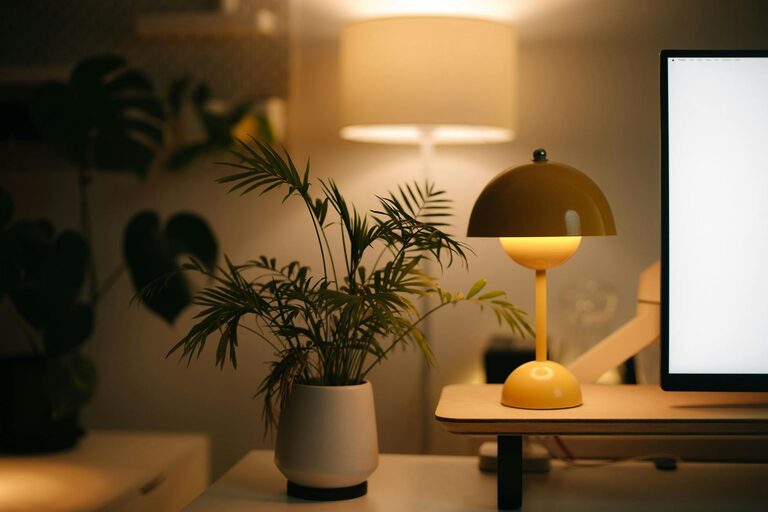
Simple Tips for Creating a Cozy and Inviting Home Office Space
Creating a cozy and inviting home office space can make a significant difference in your daily work routine. When your workspace feels comfortable and personalized, it can boost your productivity and overall happiness. Whether you have a dedicated room or a small corner in your living area, these simple tips will help you design a home office that feels warm, inspiring, and perfectly suited to your needs.
Choose the Right Location
Consider Natural Light
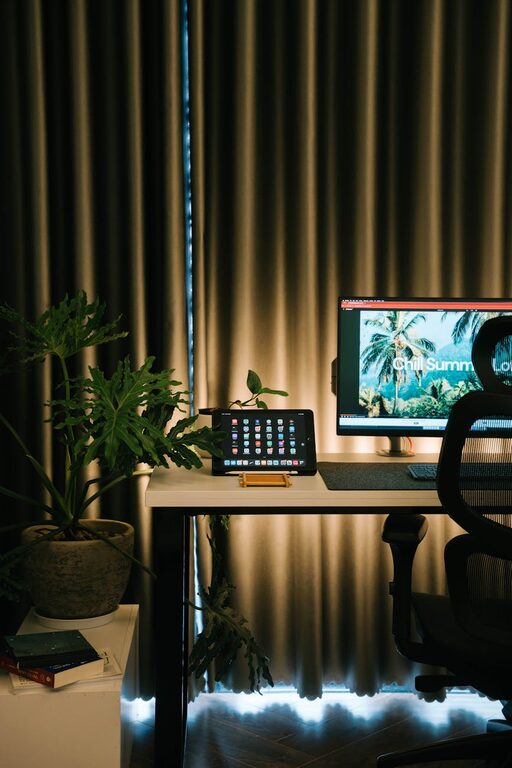
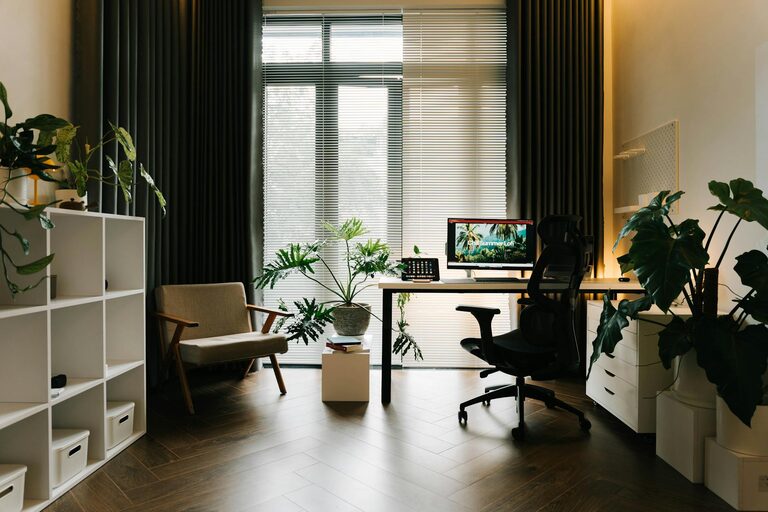
Start by selecting a spot with plenty of natural light if possible. Natural light improves mood and energy levels, making it easier to stay focused throughout the day. Position your desk near a window, but avoid glare on your computer screen by angling the desk correctly or using light curtains.
Think About Noise Levels
Choose a quiet area where you can work without frequent interruptions. If noise is unavoidable, consider noise-cancelling headphones or a white noise machine to help create a peaceful environment.
Select Comfortable and Functional Furniture
Invest in a Good Chair
A comfortable chair is a must-have for any home office. Look for one with ergonomic support to protect your back during long hours of work. Adjustable height and lumbar support are key features to consider.
Find or Build the Right Desk
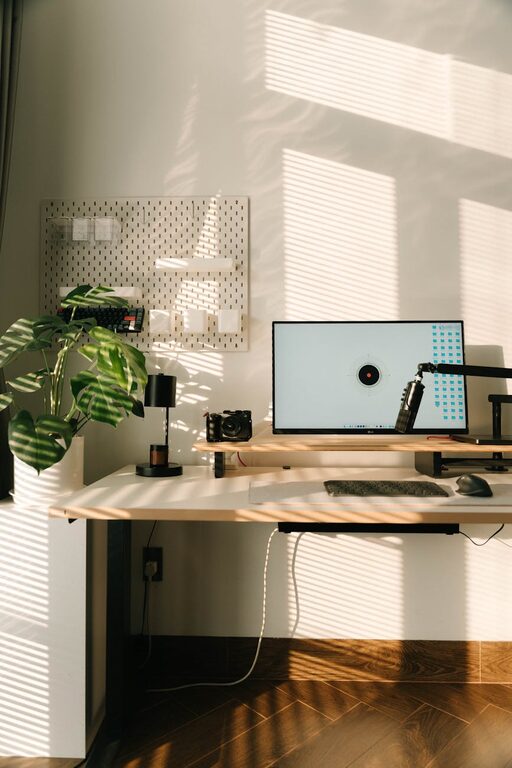
Your desk should suit the type of work you do and fit the space well. If space is limited, consider a compact desk or a wall-mounted fold-away option. Make sure it has enough surface area for your computer, notebooks, and any other essentials.
Personalize Your Space
Add Warm Textures and Colors
Incorporate soft fabrics like a cozy throw blanket or a cushioned seat pad. Choose warm colors or calming hues such as soft greens, blues, or neutrals to create a soothing atmosphere.
Display Personal Items
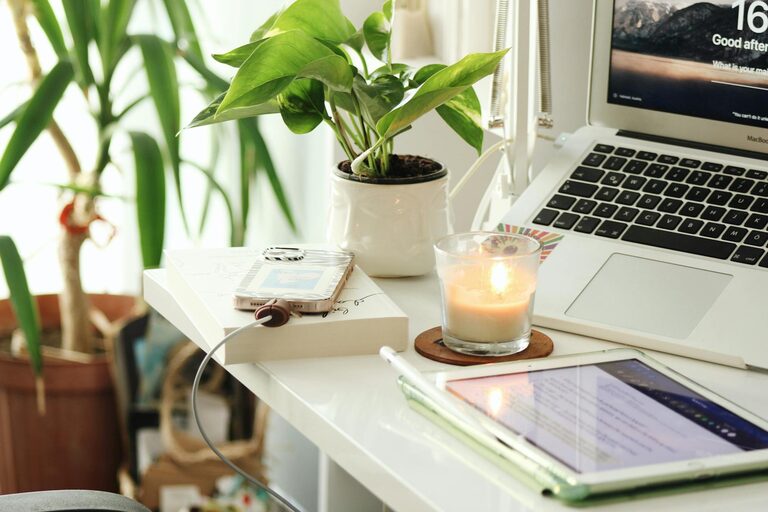
Include photos, artwork, or decorative items that inspire you. Plants add both color and life to your workspace and can also improve air quality.
Organize Efficiently
Use Smart Storage Solutions
Keep your desk clutter-free by using shelves, filing cabinets, or desk organizers. Labeling storage boxes can also make it easier to find what you need quickly.
Keep Essential Supplies Within Reach
Arrange frequently used items close at hand to reduce distractions caused by searching for supplies. This arrangement helps maintain flow and efficiency during work sessions.
Enhance Lighting
Layer Your Lighting
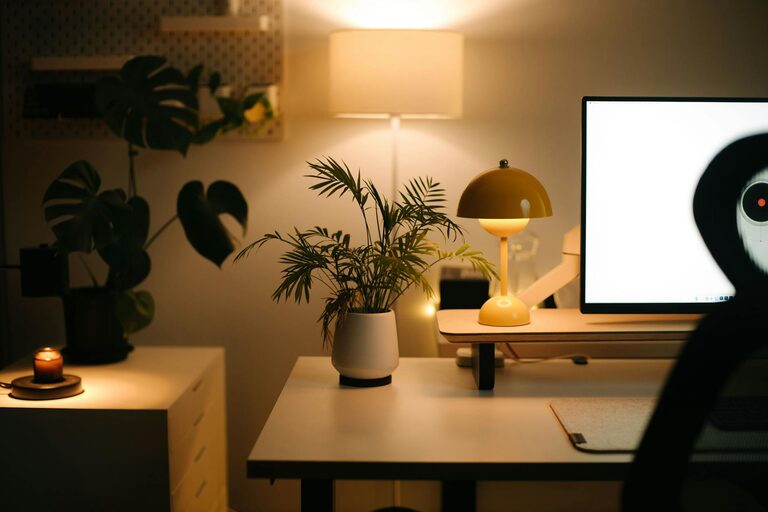
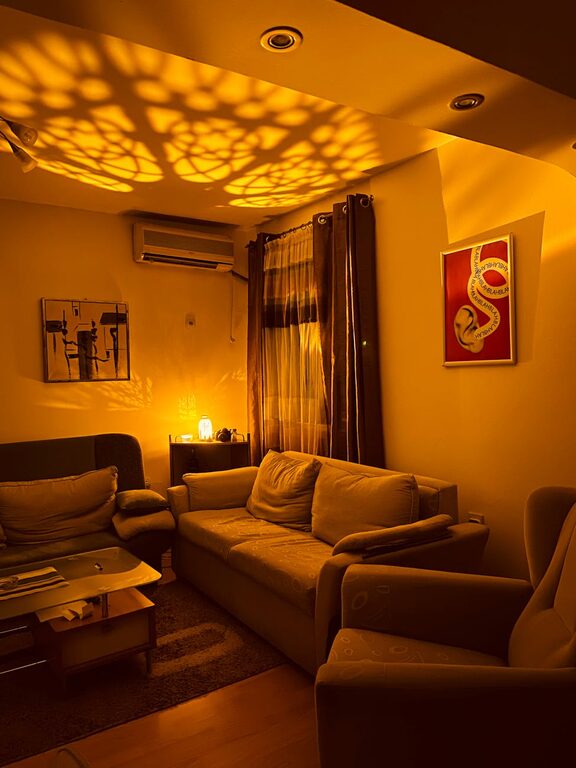
In addition to natural light, use a combination of task lighting and ambient lighting. A desk lamp with adjustable brightness is practical for focused work, while soft overhead lights create a pleasant overall environment.
Avoid Harsh Lighting
Avoid overly bright or fluorescent lights that can cause eye strain and fatigue. Opt for warm or daylight bulbs that provide comfortable illumination.
Create a Relaxing Break Area
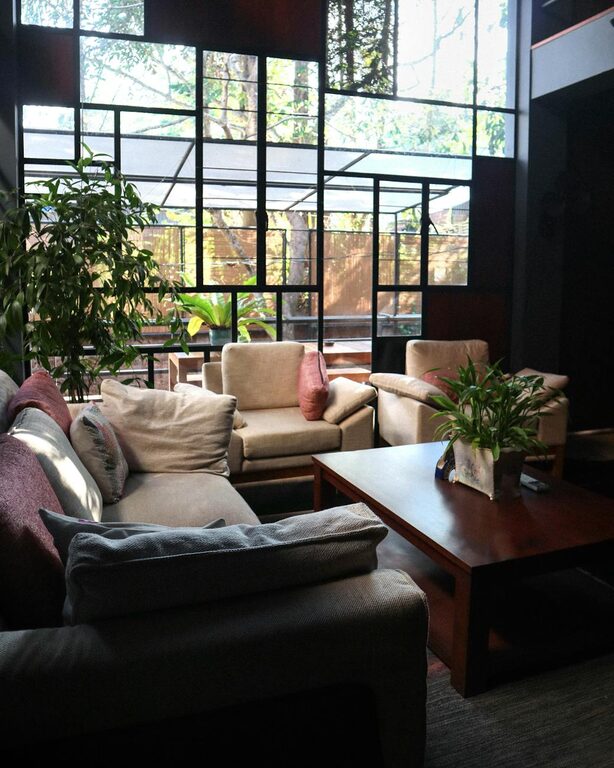
Even in a small space, try to set up a corner or seat where you can take short breaks. This might be a comfortable chair or a cushion on the floor where you can stretch or read. Taking breaks away from your desk can boost creativity and avoid burnout.
Maintain a Clean and Inspiring Environment
Keep Your Workspace Tidy
Regularly clean your workspace to maintain a fresh and inviting feel. A tidy environment helps reduce stress and increases focus.
Refresh Your Decor Occasionally
Change your artwork, add a new plant, or switch seasonal accessories to keep the space inspiring and vibrant.
Use Technology Wisely
Minimize Cable Clutter
Use cable organizers and wireless peripherals to keep your workspace neat and visually appealing.
Consider Background Music or Sounds
Soft instrumental music or nature sounds can make your office atmosphere more inviting while helping concentration.
—
Creating a cozy and inviting home office doesn’t have to be complicated or expensive. By focusing on comfort, personalization, and organization, you can design a space where you enjoy spending time and work effectively. Start with these simple tips and tailor your office to reflect your personality and work style for the best results.