




Tips for Creating a Cozy and Productive Home Office Space
Creating a home office that feels both cozy and productive can transform your work-from-home experience. Whether you’re working full-time remotely, freelancing, or need a dedicated spot to manage personal tasks, designing a space that supports focus while making you feel comfortable is key. In this post, we’ll explore practical tips to help you set up a home office that feels welcoming and maximizes your productivity.
Why a Cozy Workspace Matters
A cozy workspace isn’t just about comfort—it shapes your mood and motivation. When your office feels inviting, you are more likely to look forward to working and stay focused for longer periods. Additionally, a well-designed space can reduce stress and prevent burnout.
1. Choose the Right Location
Pick a Quiet Spot
Select a part of your home where distractions are minimal. If possible, find an area with a door to close off noise and interruptions.
Consider Natural Light
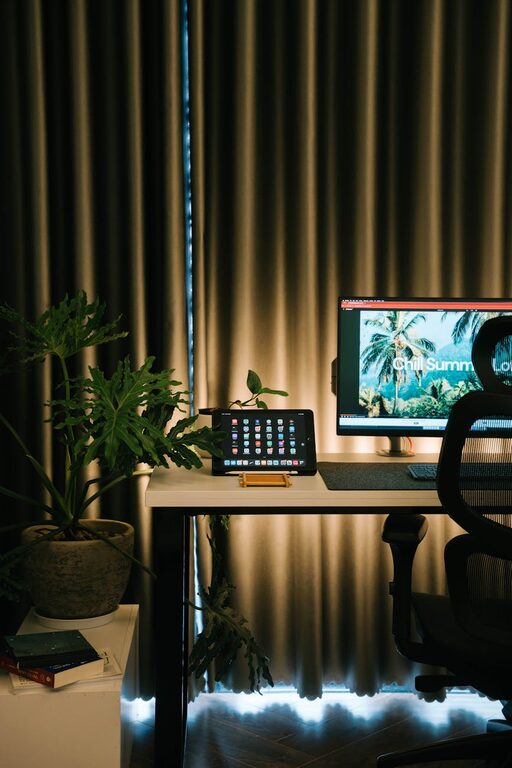
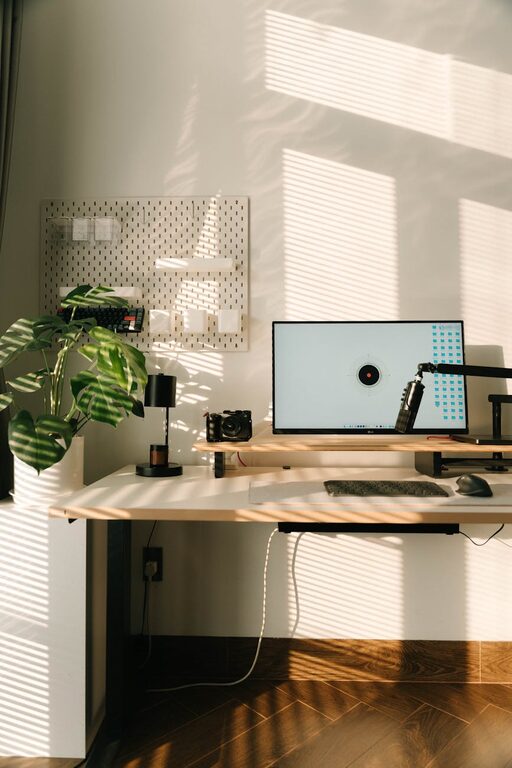
Position your desk near a window to benefit from natural daylight. This boosts mood and reduces eye strain. If natural light is limited, invest in good quality, adjustable lighting.
2. Invest in Comfortable Furniture
Ergonomic Chair
A supportive chair is essential for your back health. Look for adjustable chairs that offer lumbar support and comfortable cushioning.
Functional Desk
Ensure your desk is spacious enough for your computer, keyboard, and any necessary documents or accessories. Standing desks or adjustable desks are great options for switching posture throughout the day.
3. Declutter and Organize
Use Storage Solutions
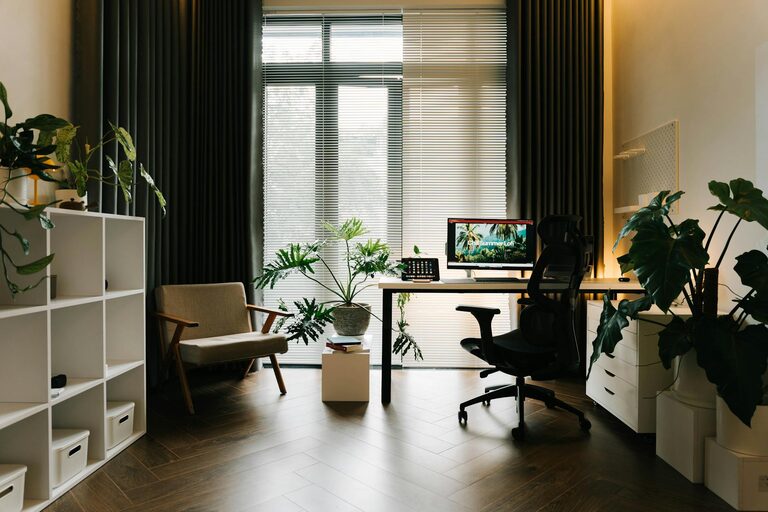
Utilize shelves, drawers, and organizers to keep your workspace neat. Clear surfaces help reduce distractions.
Cable Management
Keep wires tidy with clips, sleeves, or under-desk trays to prevent clutter and hazards.
4. Personalize Your Space
Add Comfortable Textiles
Incorporate a soft rug, cozy cushions, or a throw blanket to warm up the space.
Display Personal Items
Frames with photos, plants, or meaningful objects can make your office feel inviting without overwhelming the space.
5. Incorporate Plants for Freshness
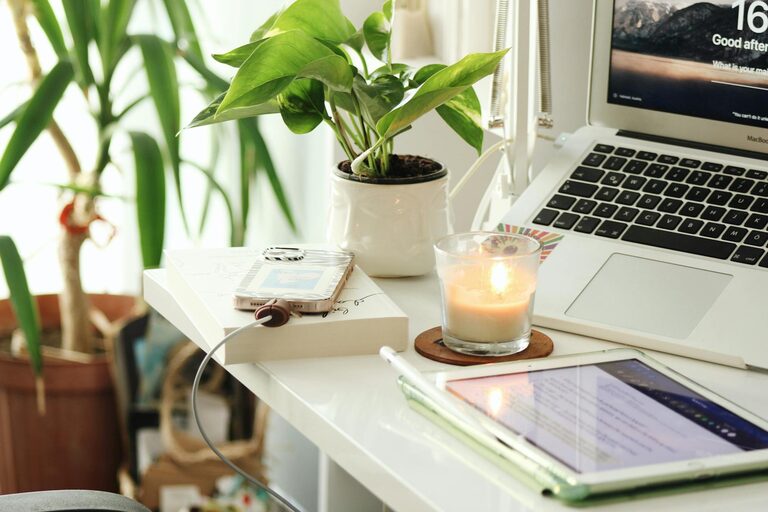
Indoor plants improve air quality and add a touch of nature, which can calm your mind and boost creativity. Choose low-maintenance plants like succulents, pothos, or snake plants if you’re new to plant care.
6. Optimize Your Technology Setup
Reliable Internet Connection
Ensure your workspace has a strong Wi-Fi signal or consider a wired connection for better stability.
Quality Equipment
Use ergonomic keyboards, mice, and monitor stands to maintain comfort during extended periods of work.
7. Control Noise Levels
Use Headphones or White Noise
If noise is unavoidable, noise-canceling headphones or white noise machines can help you concentrate.
Soundproofing
Consider rugs, curtains, or acoustic panels to reduce echo and outside noise.
8. Keep Essentials Within Reach
Place frequently used items like pens, notebooks, chargers, and water bottles nearby to maintain your workflow without constant interruptions.
9. Schedule Breaks and Movement
Even the best workspace benefits from planned breaks. Set reminders to stand, stretch, or take a short walk. This helps maintain productivity and reduces physical discomfort.
10. Adjust Lighting to Your Needs
Task Lighting
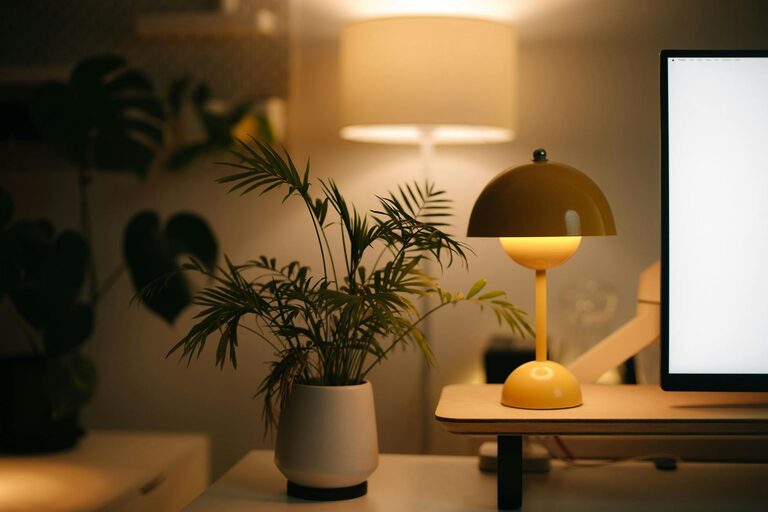
Desk lamps with adjustable brightness can prevent eye strain when working late or in dim rooms.
Warm vs. Cool Light
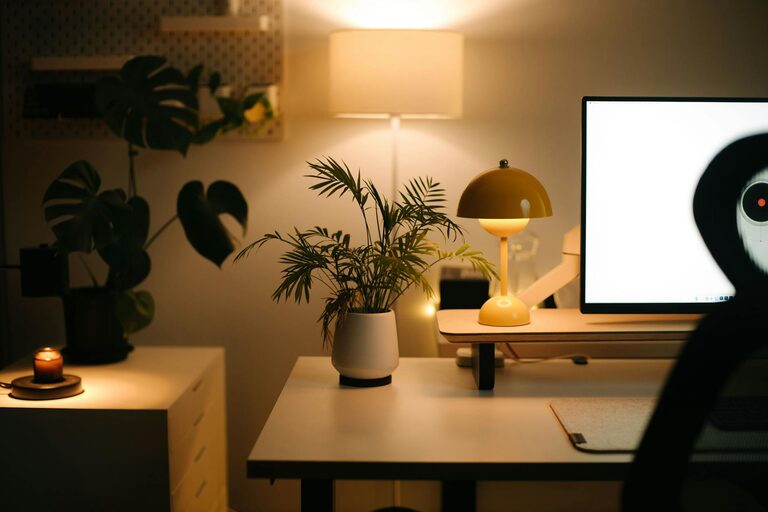
Experiment with light colors; warm lights create a cozy atmosphere, while cool lights help improve alertness.
Final Thoughts
Designing a cozy and productive home office takes a bit of planning, but the payoff is well worth it. By combining comfort, organization, and functionality tailored to your preferences, you’ll create a space that supports both your work goals and well-being. Start small and gradually refine your office setup to discover what works best for you.
Remember, a great workspace reflects your needs and style, making every workday a little easier and more enjoyable. Happy decorating!